Click Action AI opens a live browser in the cloud and does the clicking, typing and searching for you. Give it one task in plain English and get back a finished table: local leads, price comparisons, research. Watch every step live, use saved logins for your own apps and export the results to CSV.
The launch closes in
Launch: Tuesday, November 10 at 11:00 AM EST
Coupon CAAI6 takes $6 off the front-end.
Coupon CAAI100 takes $100 off the bundle.
Included free with your purchase
Delivered automatically to your purchase email address
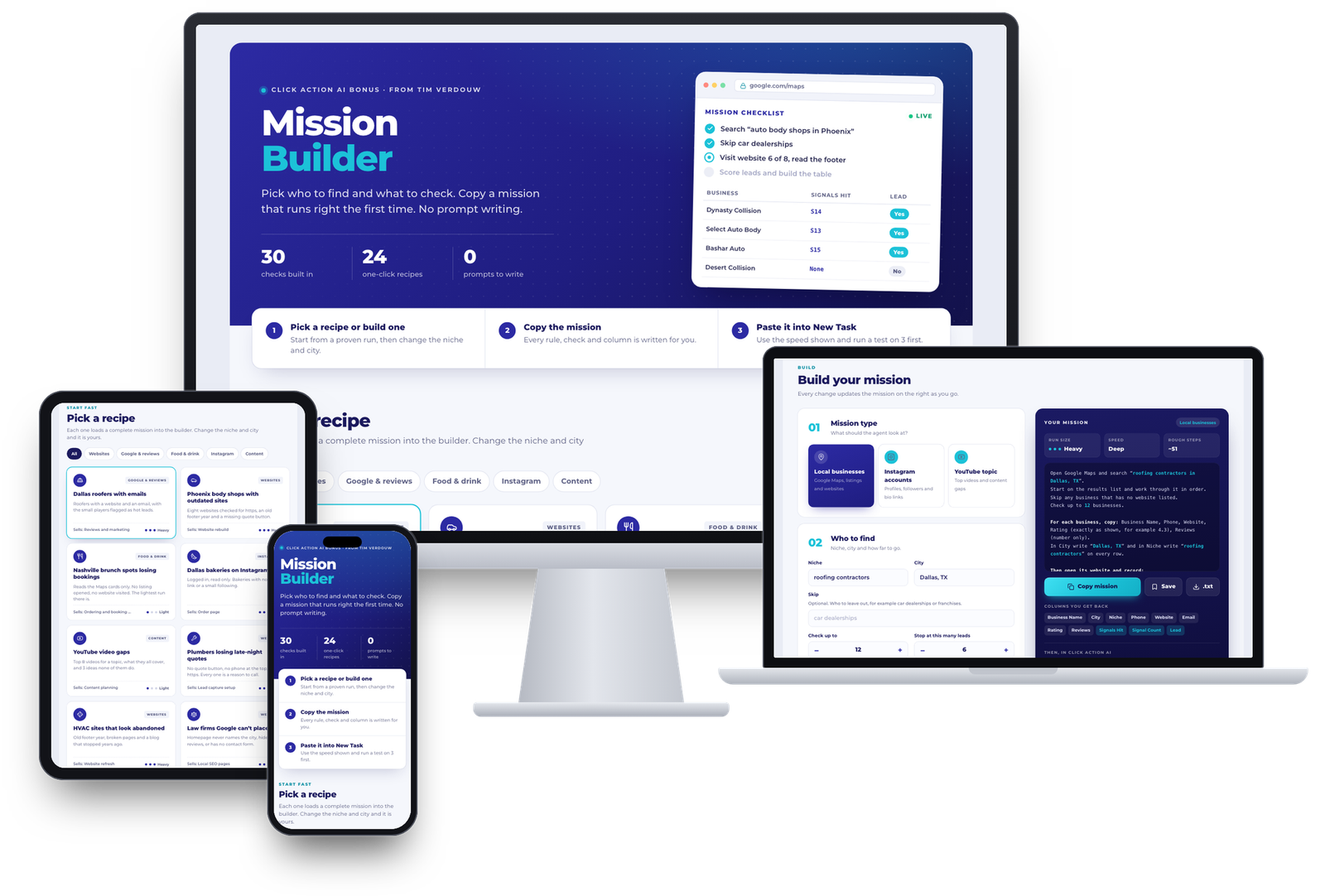
24 Ready Recipes And 30 Built-In Checks That Write The Mission For You
Pick a recipe like Dallas roofers with emails, Phoenix body shops with outdated sites or YouTube video gaps, change the niche and the city, and tick what the agent should check: no website, a site that isn't secure, no contact form, reviews with no owner reply, a channel that stopped uploading and more.
The builder writes the complete mission for you with every rule, column and stop limit, warns you when it won't fit in one run, and adds safety rules so the agent never guesses or pads the list.
How to use it with Click Action AI
Click Copy mission, open New Task in Click Action AI, paste it, set the result to Table and the speed the builder shows, then run it. Test on 3 businesses first, then run the full mission and download the CSV.
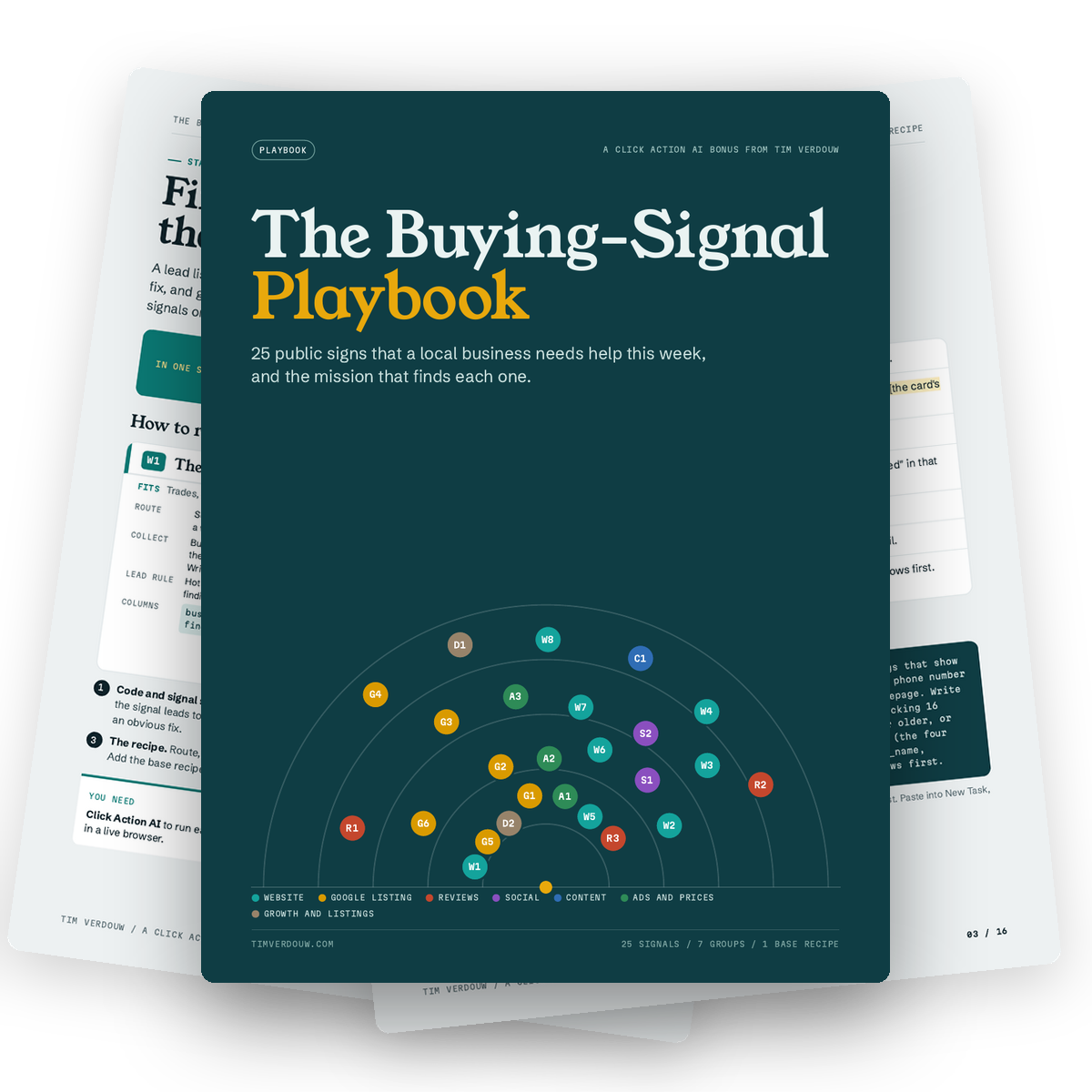
25 Public Signs A Local Business Needs Help This Week, And The Mission That Finds Each One
A lead list tells you who exists. A buying signal tells you who has a problem you can fix. Each of the 25 signal cards (a footer that still says 2019, no https, unanswered reviews, no bio link and more) gives you the route, what to collect, the hot-lead rule, the columns, your opening line and the service to sell.
How to use it with Click Action AI
Pick the signal that matches what you sell, run its recipe as a new task, and open every message with the fact the run found.
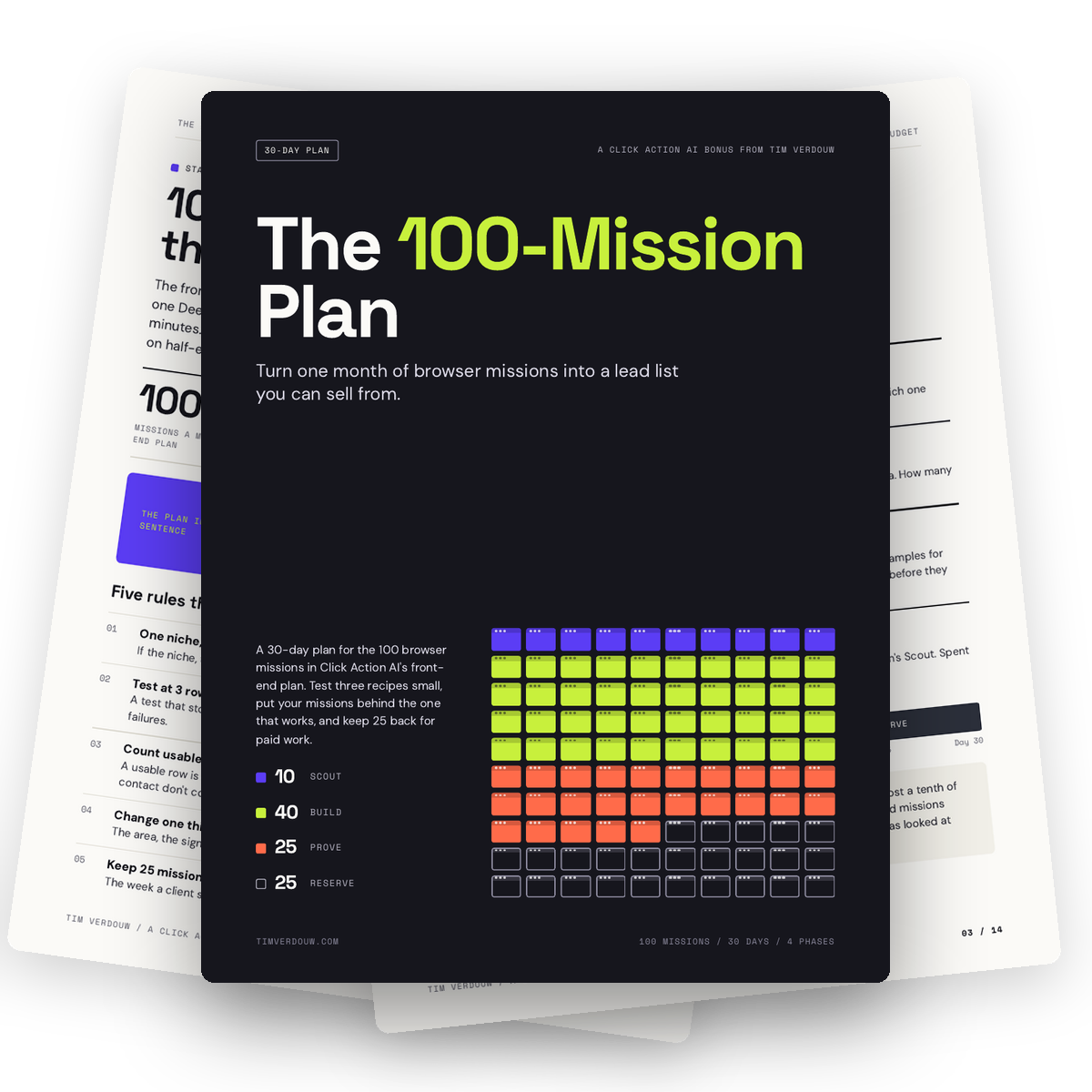
Turn One Month Of Browser Missions Into A Lead List You Can Sell From
The front-end plan gives you 100 browser missions a month. This plan splits them into four phases: Scout, Build, Prove and Reserve. Test three recipes small, put 40 missions behind the one that brings back the most usable leads, spend 25 on the prospects who answer and keep 25 back for paid work. Comes with the 100-Mission Log spreadsheet.
How to use it with Click Action AI
Run every new recipe on 3 businesses first, log each mission in the tracker, and only scale the recipe that brings back usable rows.
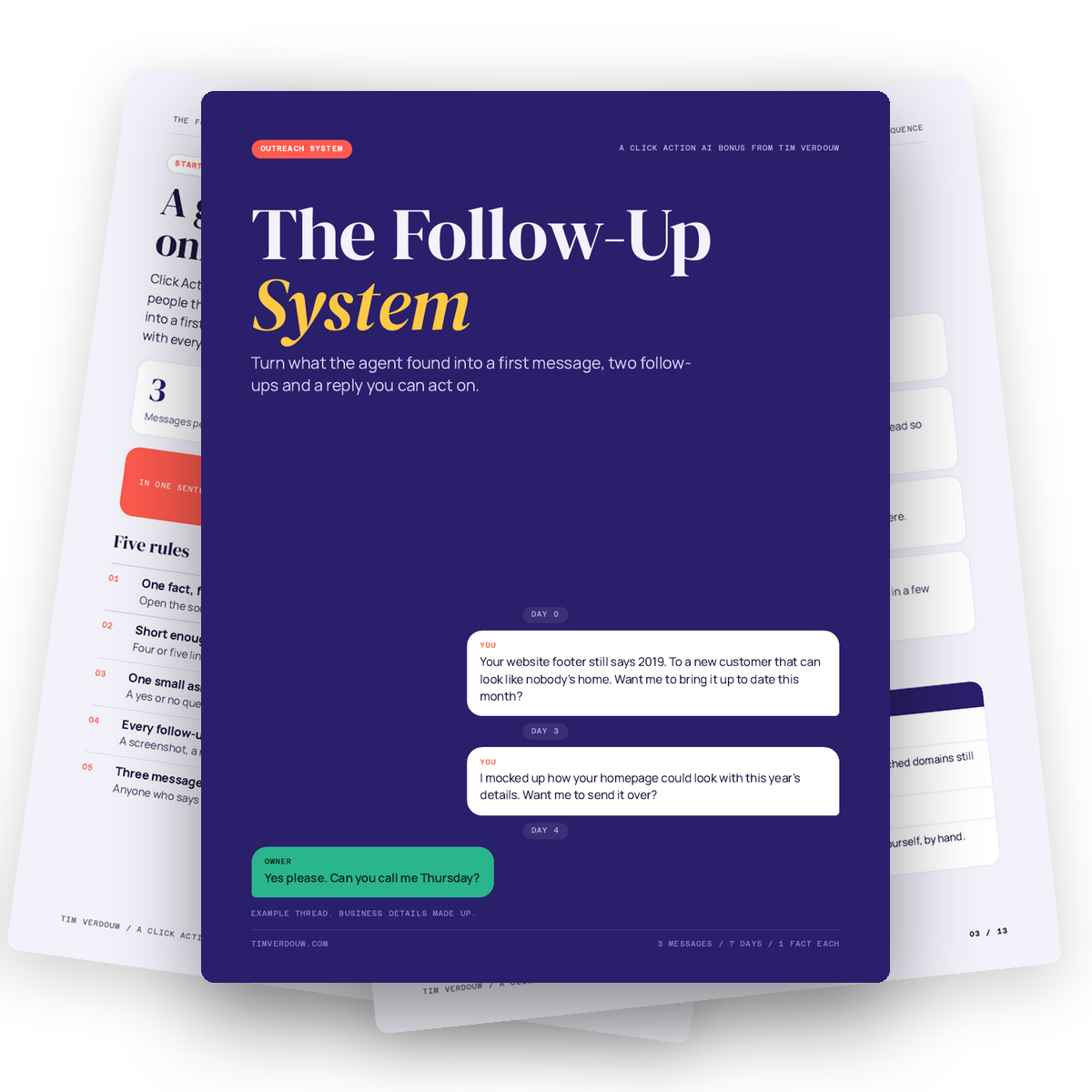
Turn What The Agent Found Into A First Message, Two Follow-Ups And A Reply You Can Act On
Most people send one generic email and give up. This system turns the finding in your table into a first line, follows up twice with something new (a screenshot, a mock-up, a draft) and tells you what to do with every kind of reply. Three messages, seven days, one fact each. Includes the Follow-Up Tracker spreadsheet.
How to use it with Click Action AI
Export your Click Action AI table, check each finding against its source link, drop the rows into the tracker and send your day 0, day 3 and day 7 messages.
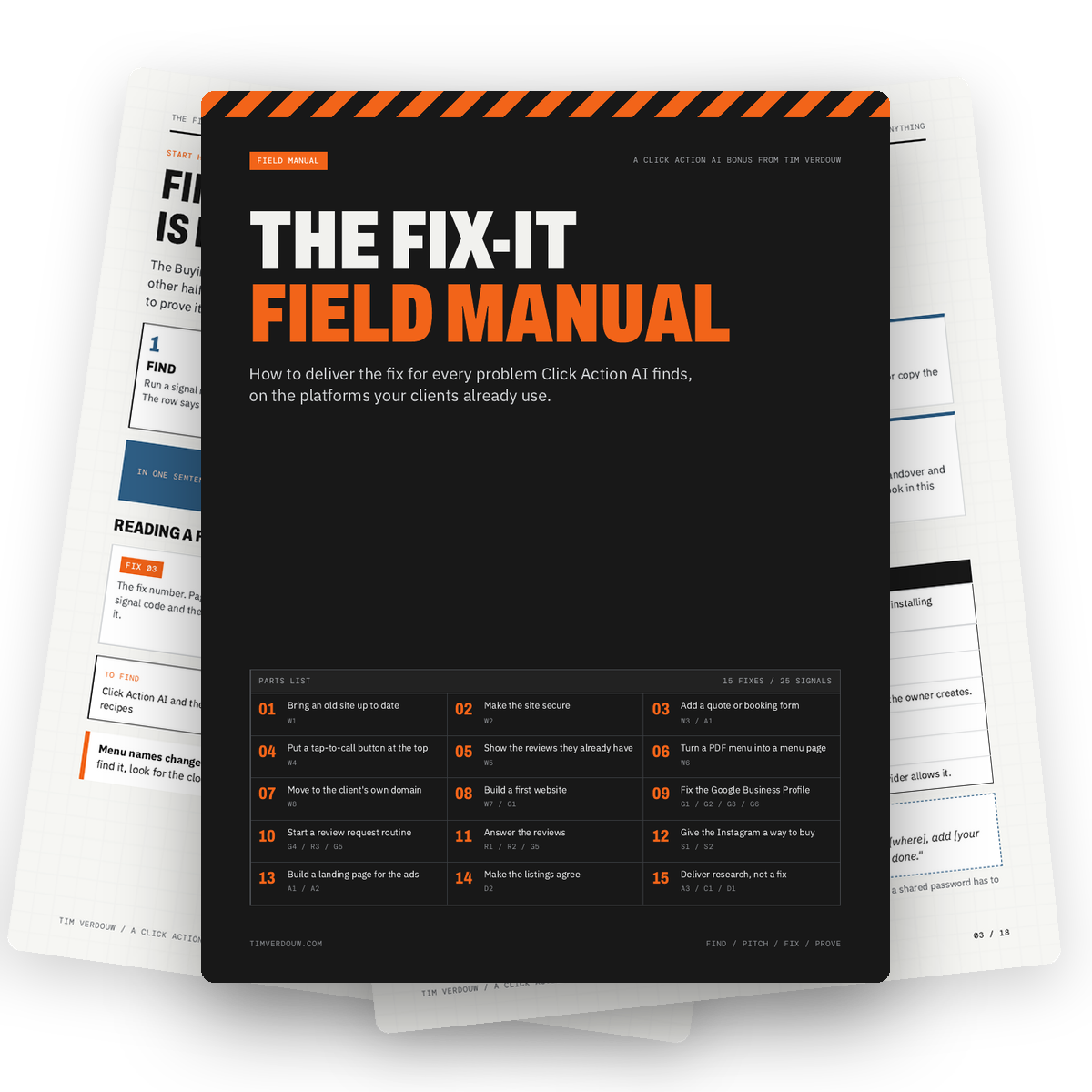
How To Deliver The Fix For Every Problem Click Action AI Finds
Finding the problem is half the job. This manual covers 15 fixes for the 25 signals: bringing an old site up to date, making it secure, adding a quote or booking form, fixing the Google Business Profile, answering reviews and more. For each fix you get what access to ask for, what to change on each platform, how long it takes and how to prove it worked. Includes a change log spreadsheet.
How to use it with Click Action AI
When a business says yes, follow the fix page, then run the same mission again and show the client the row that changed.
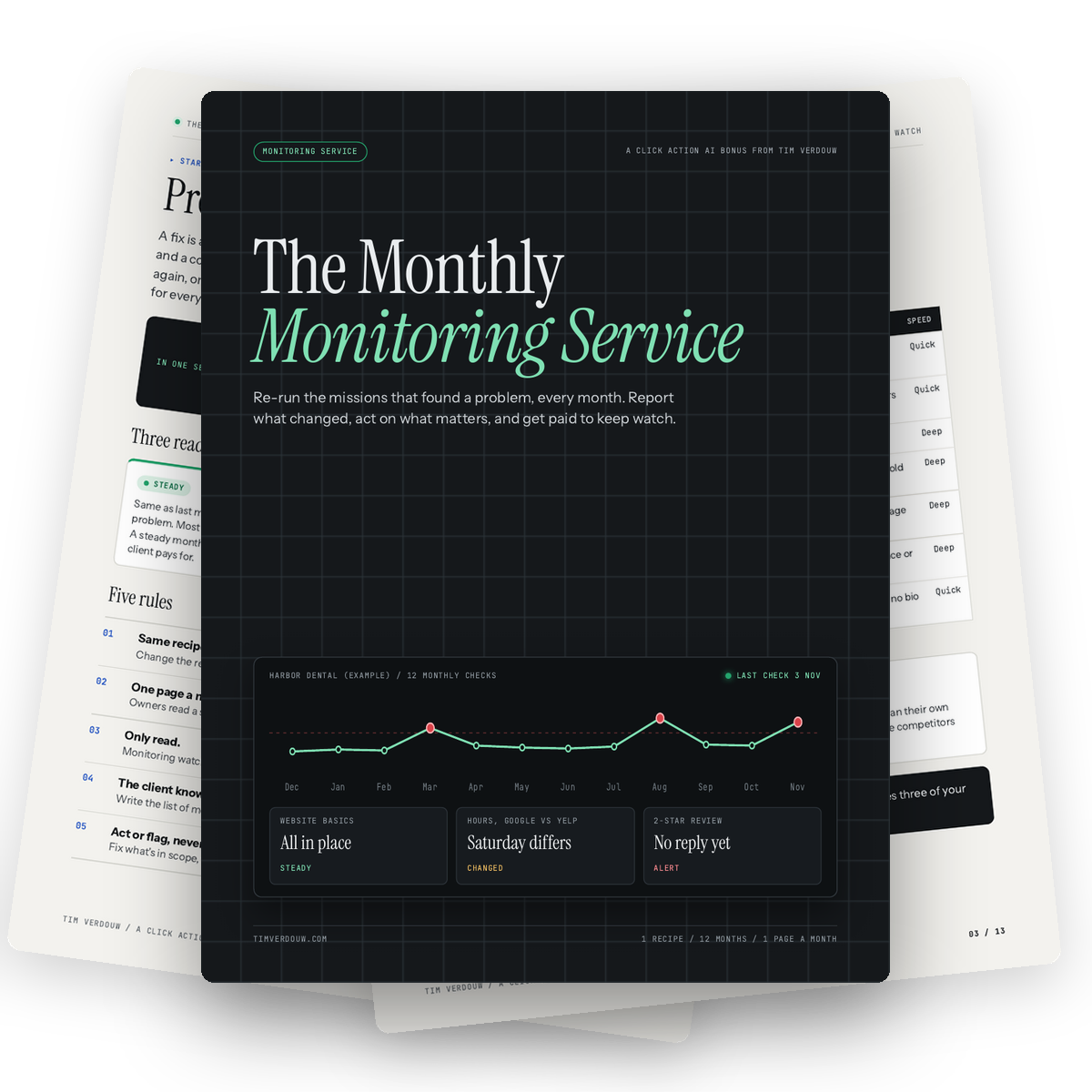
Get Paid Every Month To Keep Watch Over Your Clients' Online Presence
Problems come back. Listings get edited, reviews go unanswered and competitors change their prices. This guide turns the mission that found a problem into a monthly check: run it again on the same pages, compare it with last month and send a one-page report that marks each item Steady, Changed or Alert. Includes the Monthly Monitoring Log spreadsheet.
How to use it with Click Action AI
Save the mission that found the problem, run it again every month on the same pages and log the results to build the client's report.
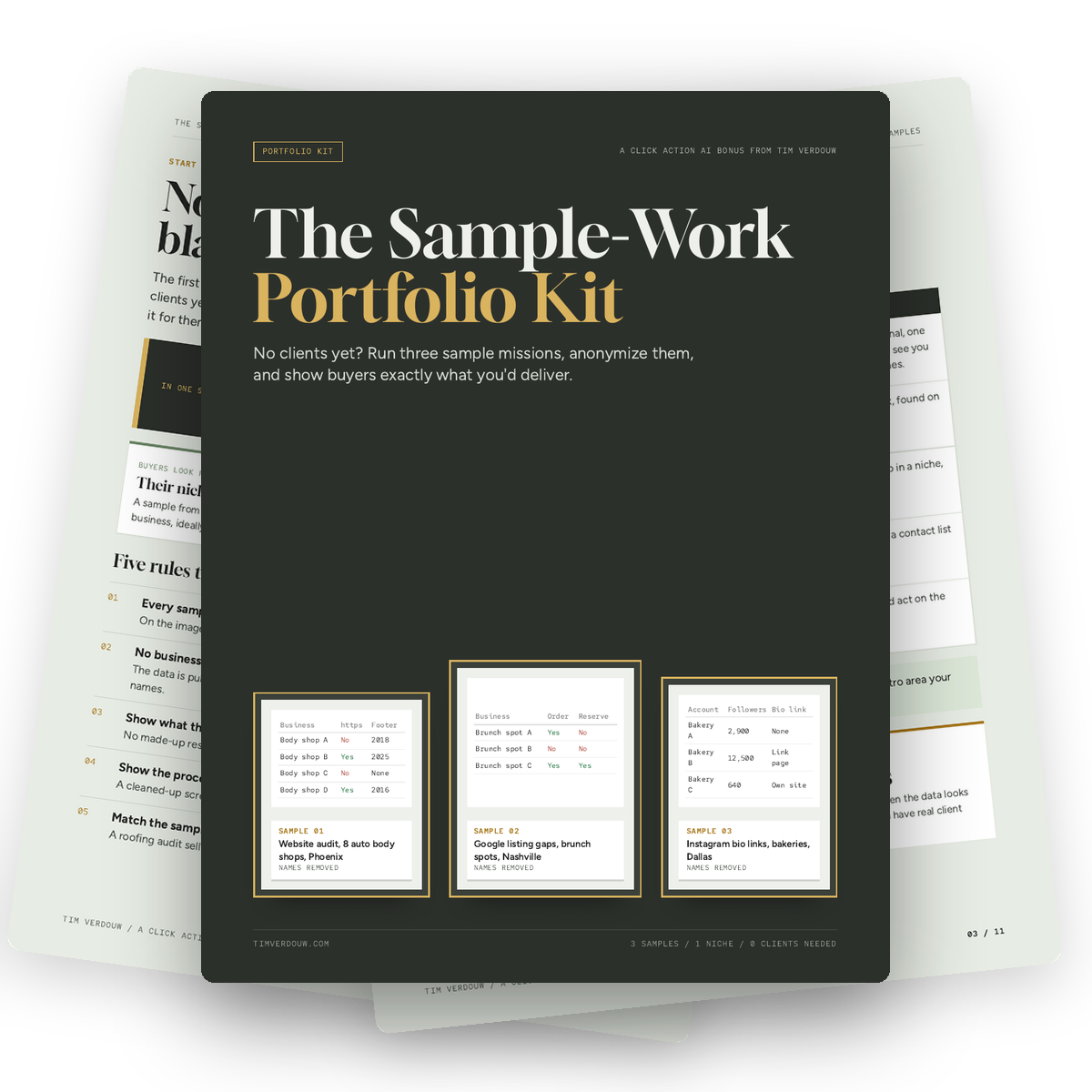
No Clients Yet? Show Buyers Exactly What You'd Deliver
Nobody hires a blank profile. Run three sample missions in the niche you want to sell to, take the business names out and show them as clearly labeled samples next to the process that made them. Includes three example samples (body shop websites, brunch spot listings and bakery Instagram bio links) and the rules that keep it honest.
How to use it with Click Action AI
Run three small missions on public data, remove the business names and use the results on your Fiverr, Upwork or website profile.
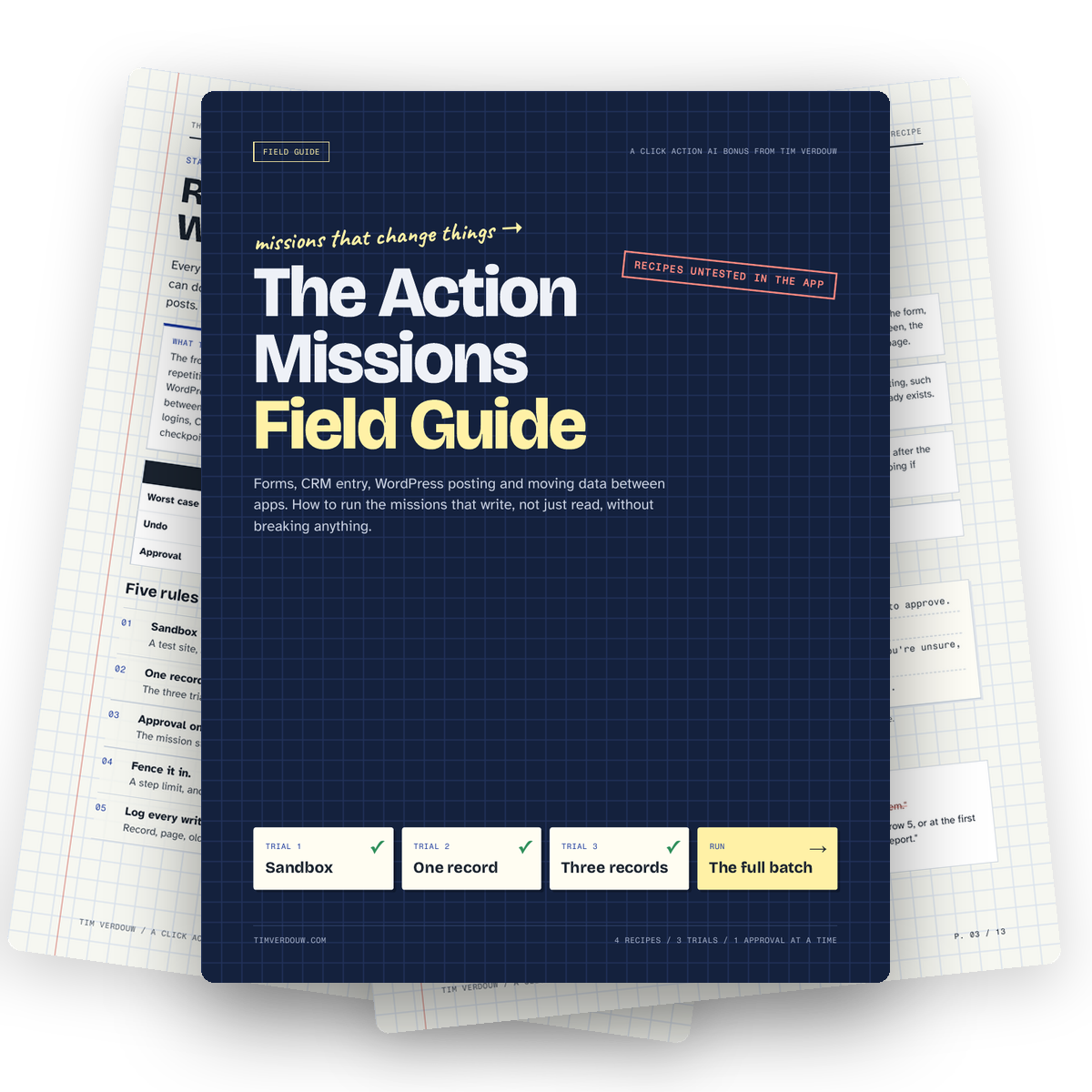
Fill Forms, Enter CRM Data And Post To WordPress Without Breaking Anything
Reading is safe. Writing isn't. A bad action mission can put wrong data in a client's CRM or a half-finished post on their website. This guide gives you 4 recipes for forms, CRM entry, WordPress posting and moving data between apps, plus a safe trial process: a sandbox, one record, three records, then the full batch.
How to use it with Click Action AI
Use a saved login on a test account first, approve every Submit, Save or Publish, and only run the full batch after three clean trials.
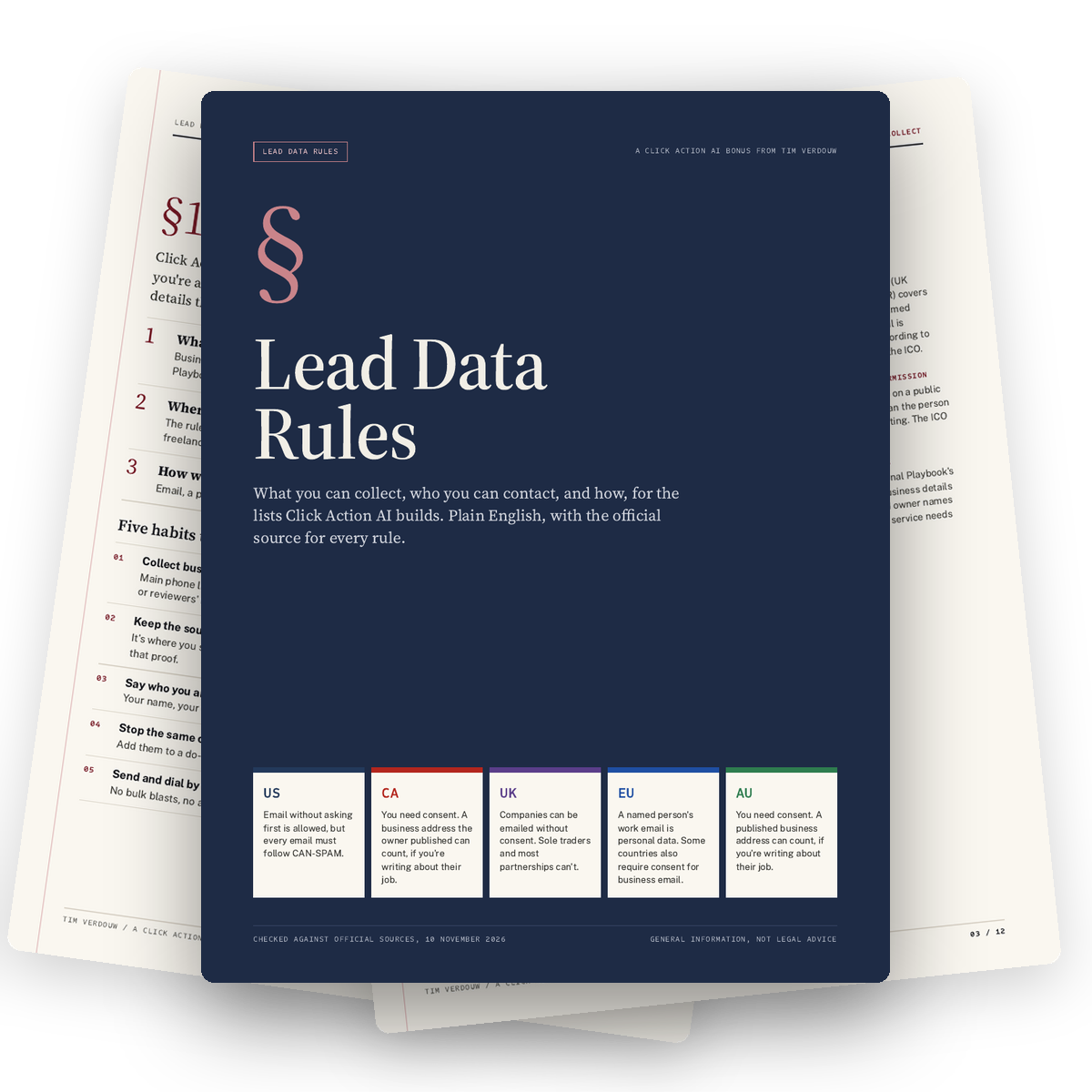
What You Can Collect, Who You Can Contact And How
Before you email anyone on your list, know the rules. This guide covers the US, Canada, the UK, the EU and Australia, sorts every column your missions return into business or personal data, and gives you five simple habits that cover most of it. Every rule points to its official source. General information, not legal advice.
How to use it with Click Action AI
Before you run a lead mission, answer the three questions: what am I collecting, where are these businesses, and how will I contact them.
Coupon CAAI6 takes $6 off the front-end. Coupon CAAI100 takes $100 off the bundle.