
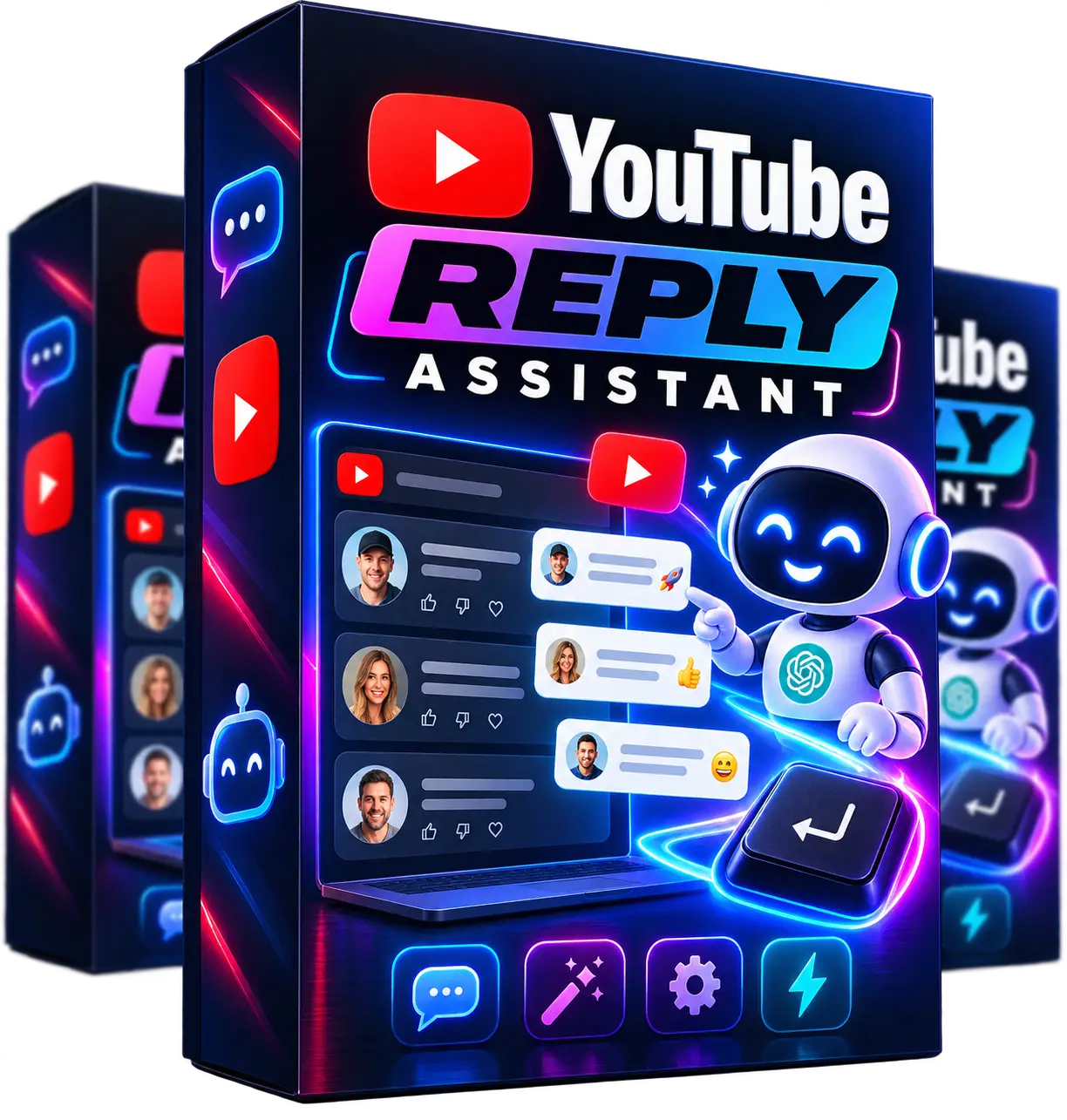
YouTube Reply Assistant
Save Time and Boost Engagement with Instant AI-Generated Comment Replies
YouTube Reply Assistant helps you save time and boost engagement by instantly generating natural, on-brand replies to YouTube comments using your own OpenAI API key.
With one click or a keyboard shortcut, you can create friendly, concise responses that are ready to post in seconds. You can customize the tone, reply length, emoji usage, and main prompt so every response sounds like you.
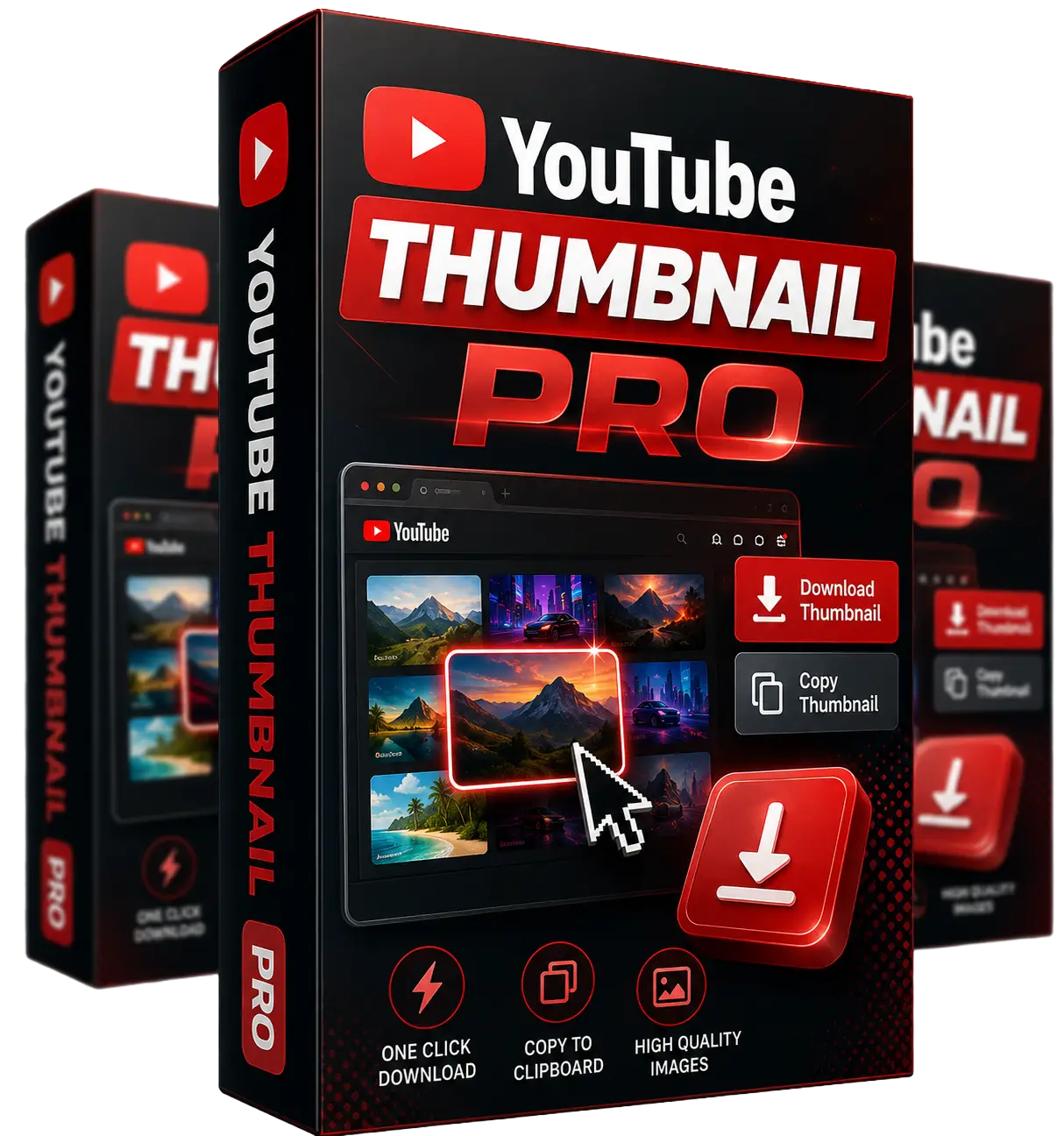
YouTube Thumbnail Pro
Instantly Download or Copy Any YouTube Thumbnail with a Single Click
YouTube Thumbnail Pro helps you instantly download or copy any YouTube thumbnail with a single click. The tool appears directly in your Chrome browser, making it easy to grab thumbnail images without extra steps or tools.
Perfect for analyzing winning thumbnails, creating inspiration boards, or speeding up your YouTube and marketing workflow. Save thumbnails to your computer or copy them for use in documents and presentations.

Channel Monetization Roadmap
Learn the Ways a Channel Can Earn Beyond Ad Revenue
A plain-English guide to the main ways a channel can make money, from affiliate links to your own digital products.
It shows what each one needs to get started and what to set up first, so you can pick a direction before you publish.

100 Video Hook Scripts
Never Stare at a Blank Page Again With 100 Ready-to-Use Openers
100 opening lines, each with a follow-up line, a note on why it works and a filled-in example. Includes a niche finder so you can jump to the hooks that fit your topic.
Paste one into your TubeOS X script and build the rest of the video around it.
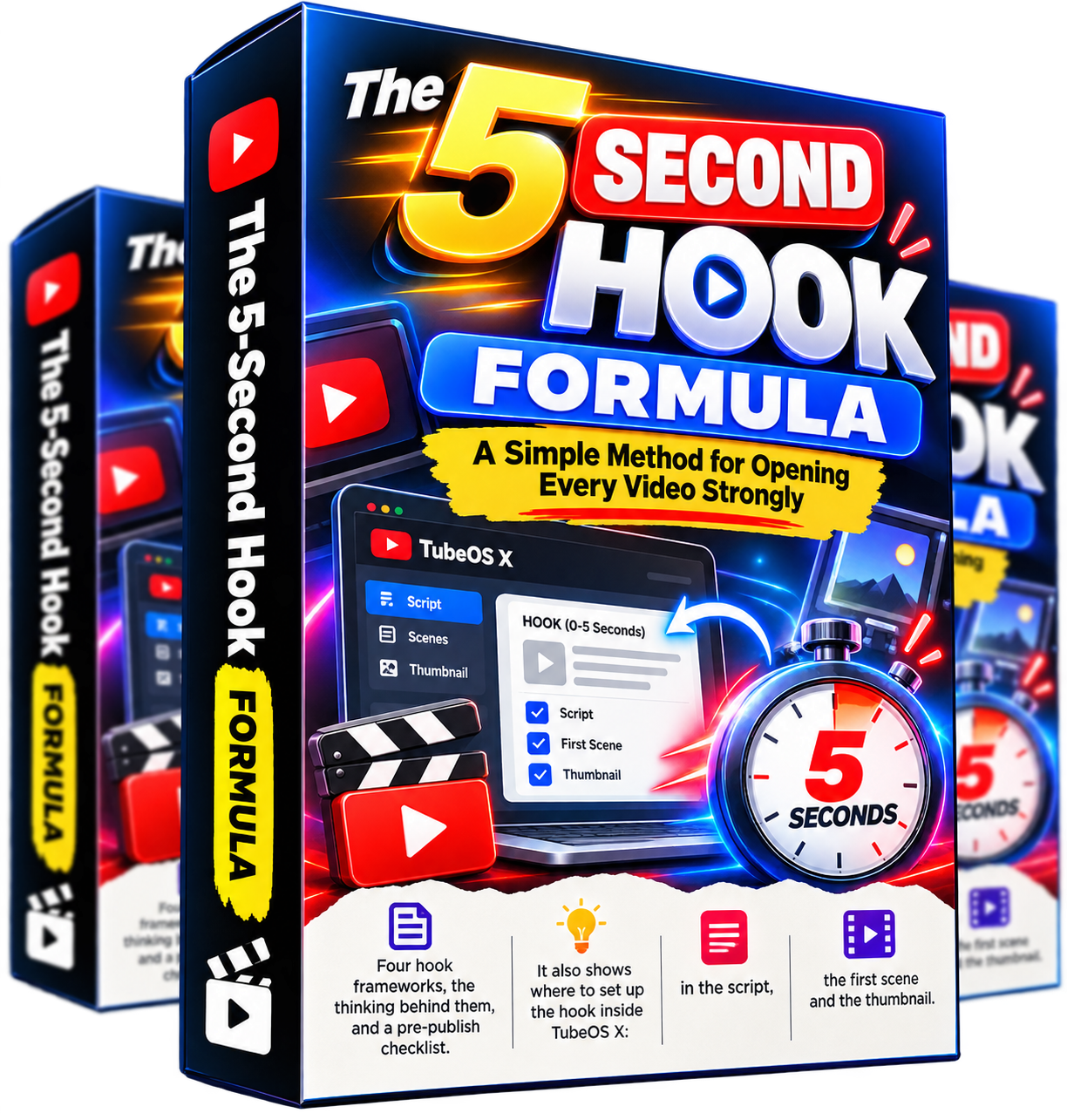
The 5-Second Hook Formula
A Simple Method for Opening Every Video Strongly
Four hook frameworks, the thinking behind them, and a pre-publish checklist.
It also shows where to set up the hook inside TubeOS X: in the script, the first scene and the thumbnail.
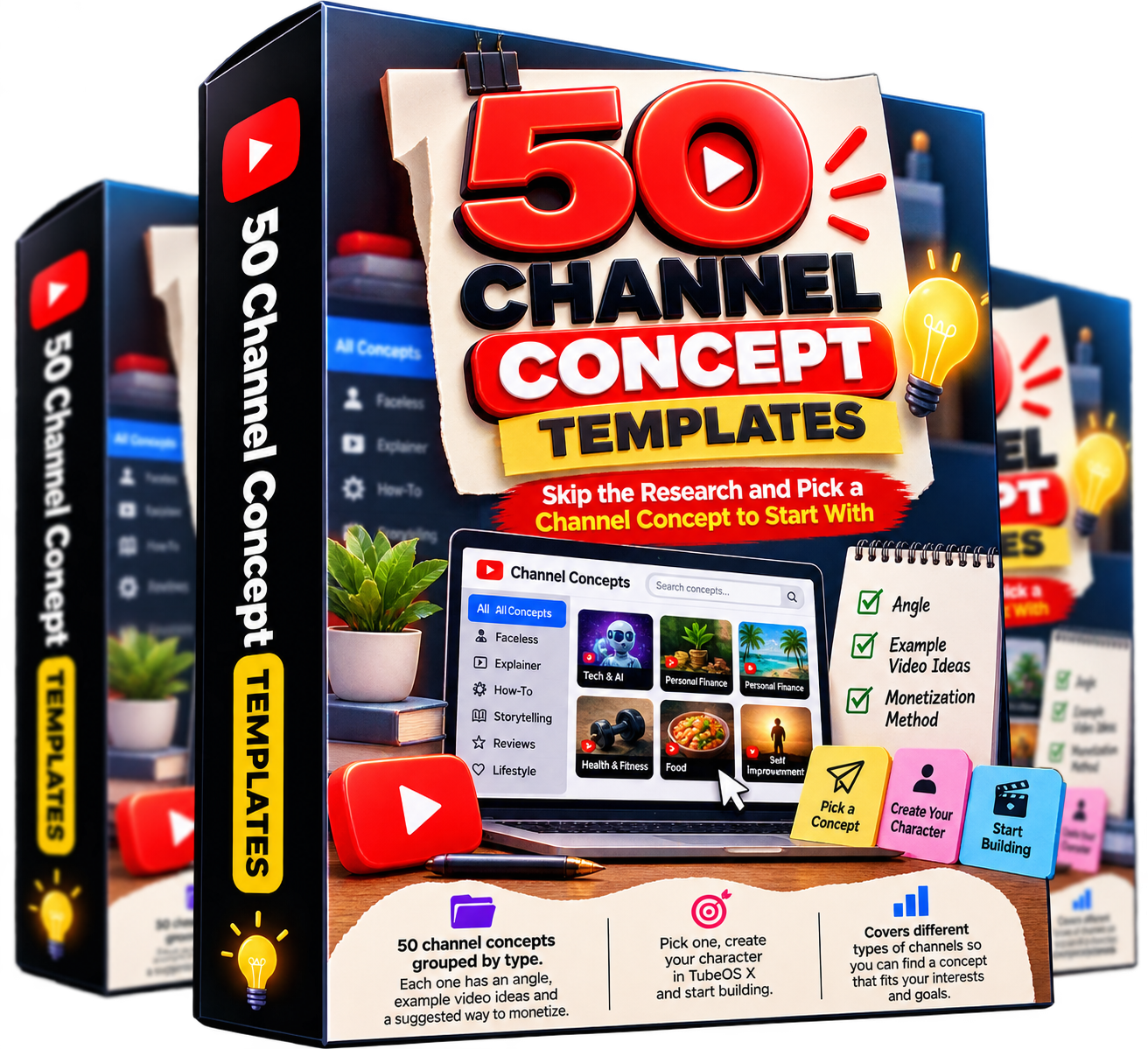
50 Channel Concept Templates
Skip the Research and Pick a Channel Concept to Start With
50 channel concepts grouped by type. Each one has an angle, example video ideas and a suggested way to monetize.
Pick one, create your character in TubeOS X and start building.

YouTube SEO Guide for AI Channels
Titles, Descriptions and Tags Set Up the Right Way From the Start
How to write titles, descriptions, tags and thumbnails for AI channels, with paste-ready examples.
Also covers disclosure basics and how to use the SEO package TubeOS X generates for you.

AI Video Compliance Guide
Publish AI Videos With Confidence and Avoid Common Mistakes
A clear overview of AI disclosure on YouTube, affiliate disclosure, voice and likeness, music and made-for-kids content.
Includes a checklist to run through before you publish. General information, not legal advice.
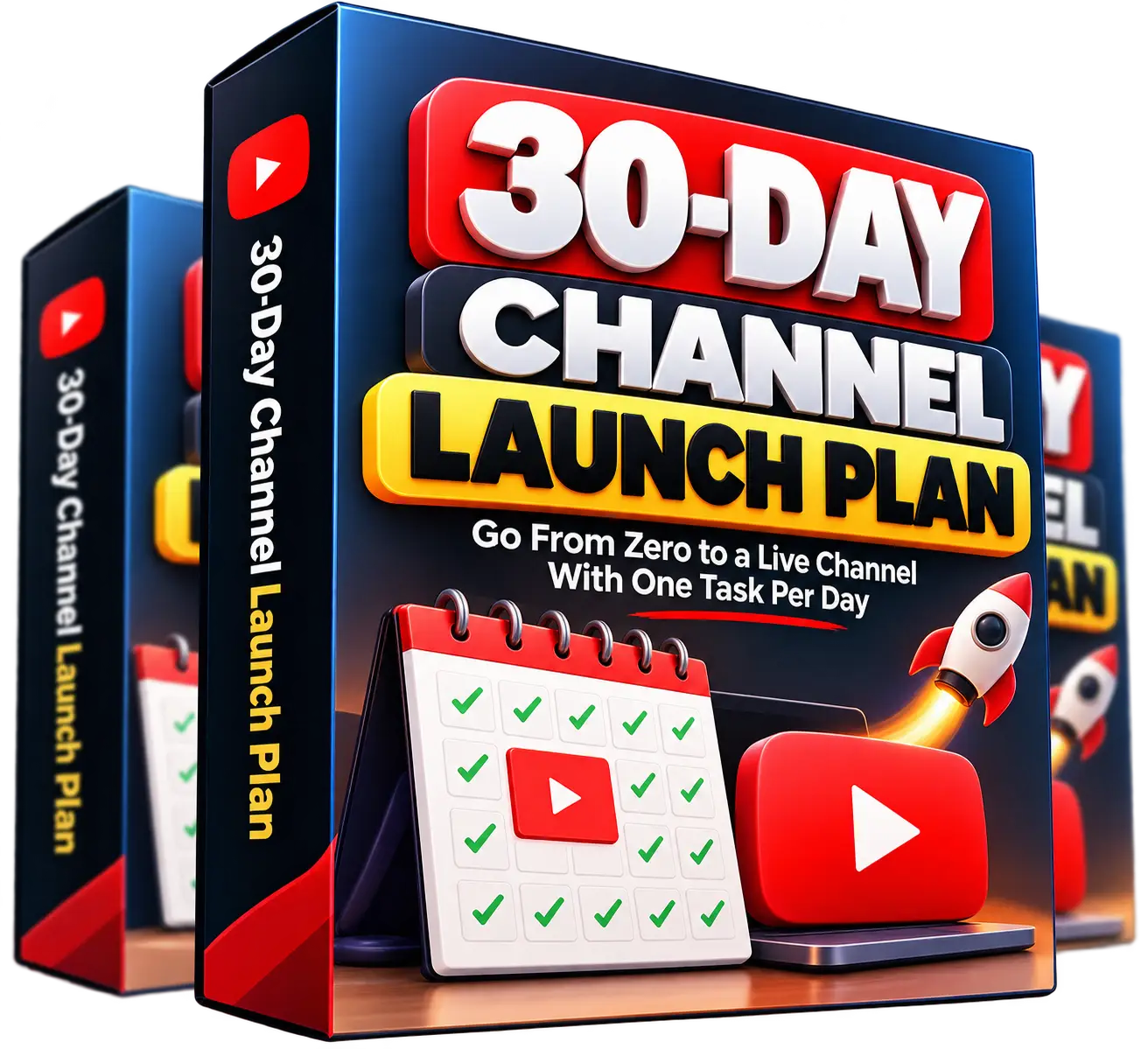
30-Day Channel Launch Plan
Go From Zero to a Live Channel With One Task Per Day
One task per day, 15 to 90 minutes each, built around the real TubeOS X workflow.
Includes weekly goals and a printable tracker.
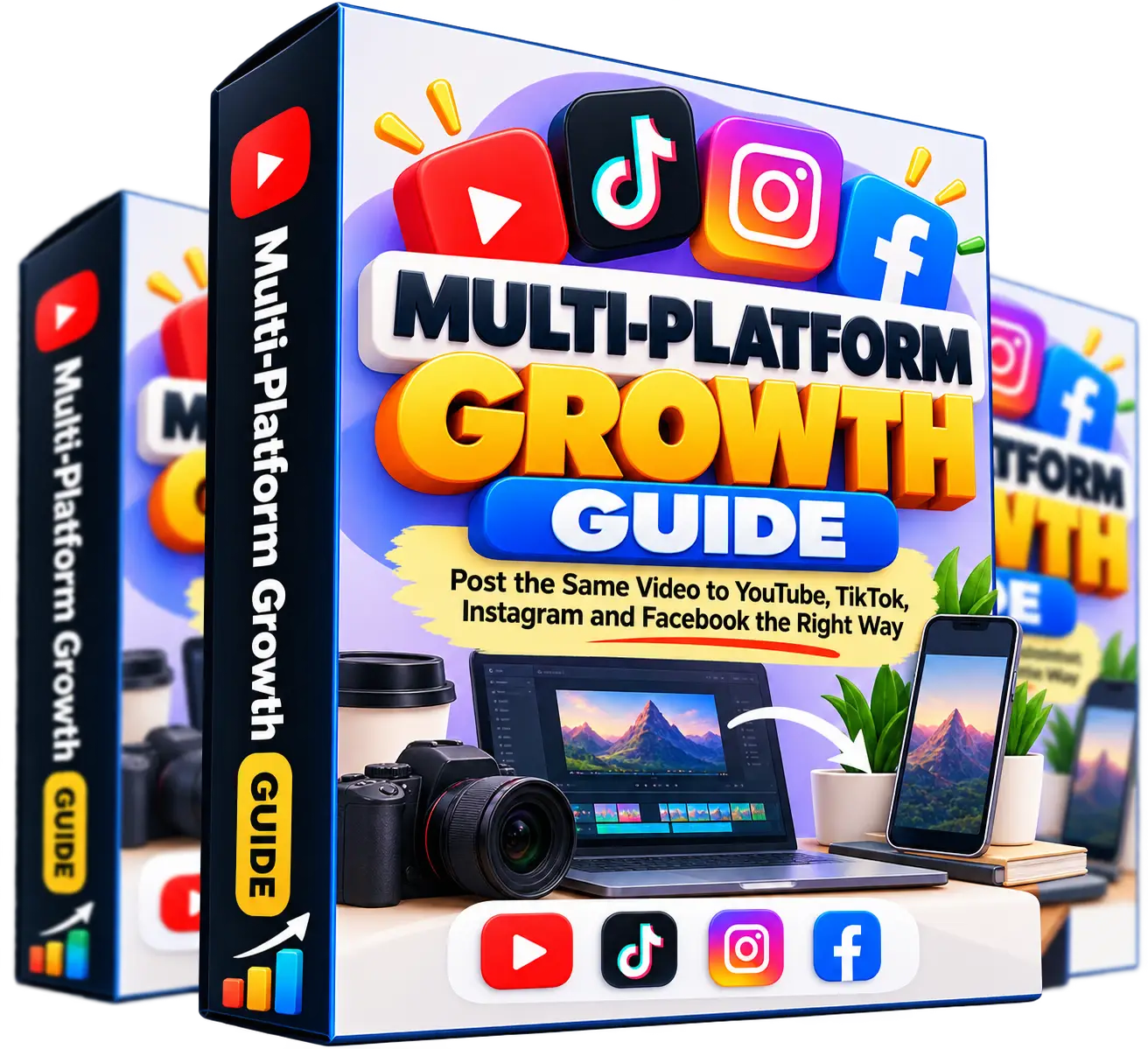
Multi-Platform Growth Guide
Post the Same Video to YouTube, TikTok, Instagram and Facebook the Right Way
Platform-by-platform tweaks for each network, plus a cheat sheet.
Shows how to cross-post cleanly, with clear notes on what each platform expects.
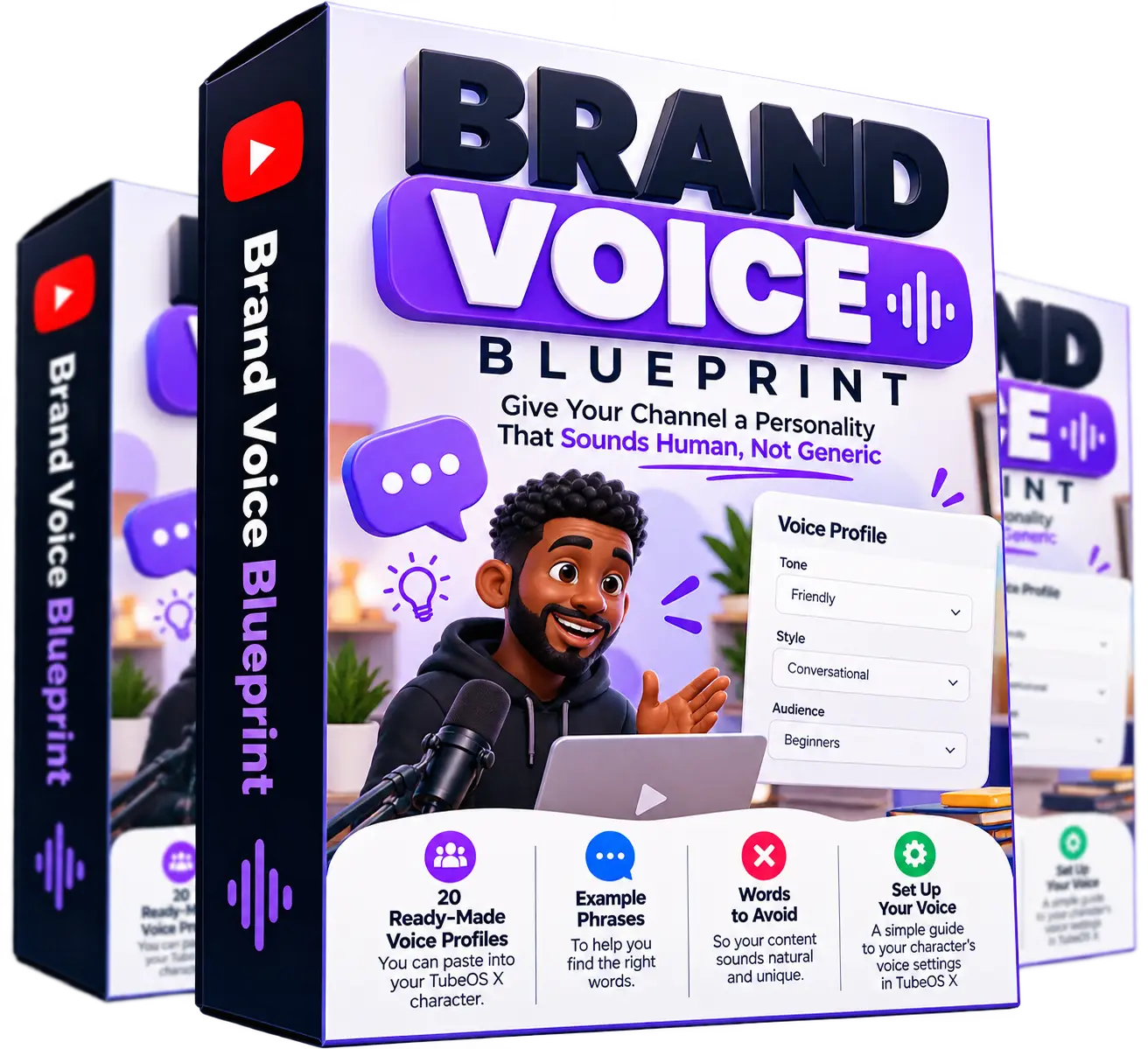
Brand Voice Blueprint
Give Your Channel a Personality That Sounds Human, Not Generic
20 ready-made voice profiles you can paste into your TubeOS X character, with example phrases and words to avoid.
Also covers how to set up your character's voice settings.